




Facebook post scheduler & page analytics for every page you manage
Iconosquare's Facebook post scheduler handles publishing across every Facebook page from one calendar. Track performance with 100+ metrics, monitor competitors with built-in social listening, manage comments efficiently, and streamline collaboration across teams. Facebook at scale, finally manageable.
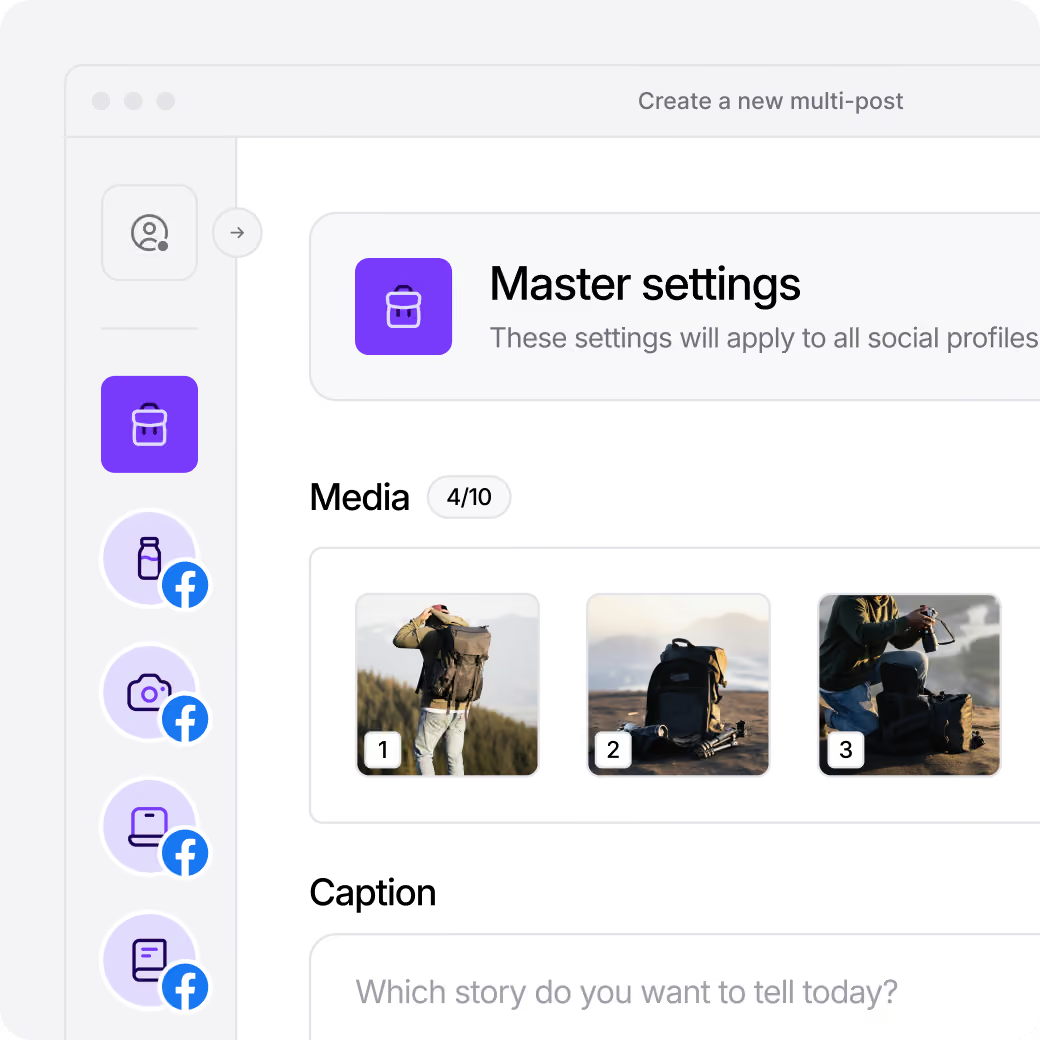







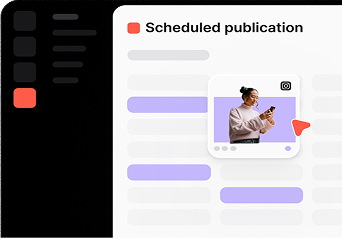
Schedule Facebook posts
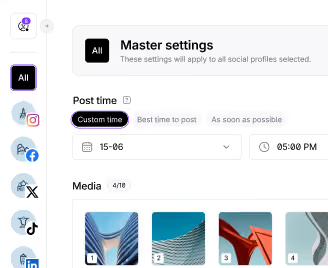
Streamline scheduling using cross-planning, visual calendars, and optimized posting times on Facebook.

Manage your Facebook conversations
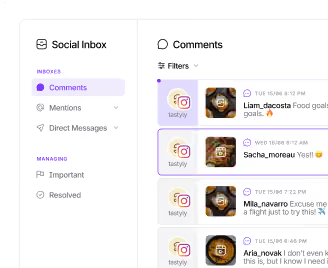
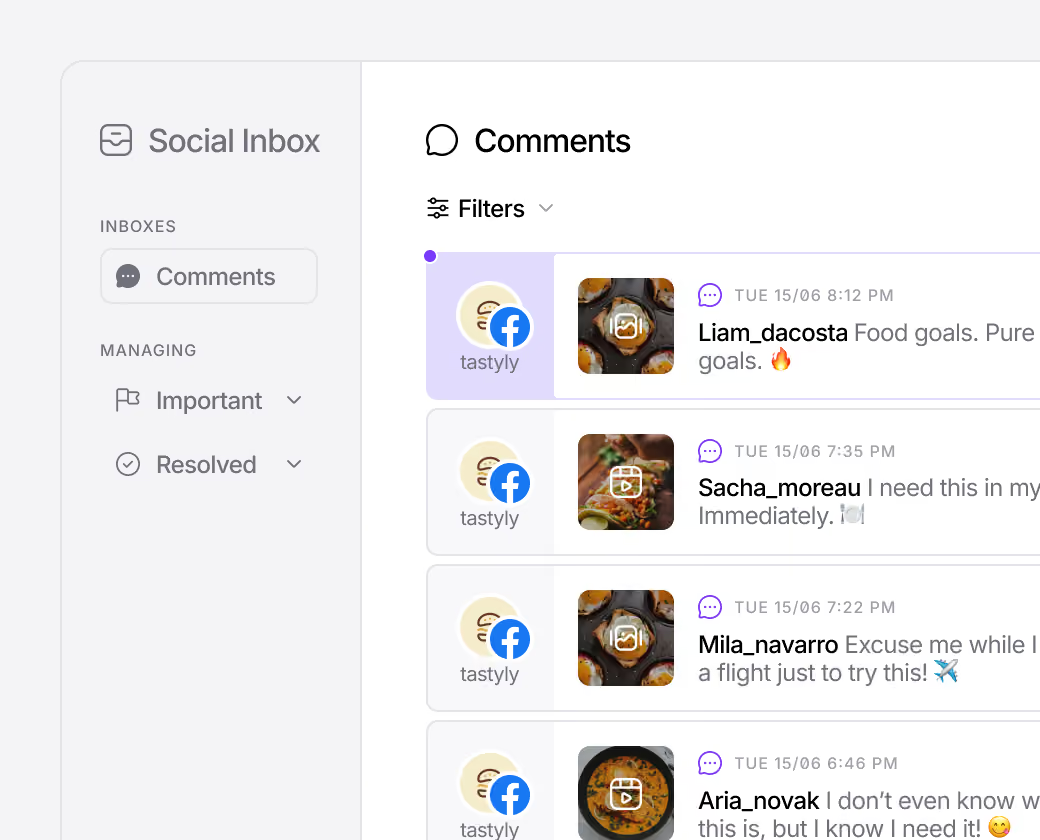
Manage your comments, mentions, and direct messages in one place.

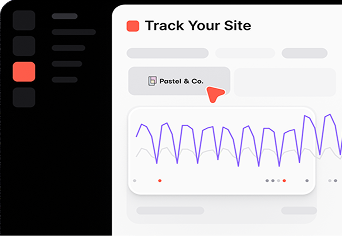
Track Facebook KPIs in real-time
Dive into extensive Facebook Analytics and analyze with AI.

Boost your Facebook reach
Grow your audience with tailored Facebook tools.
Spice up your Facebook content with creative tools
Craft and plan eye-catching TikTok content with our holistic calendar overview of your TikTok videos, photos and carousels. Enable comments, duets, and stitches to up your engagement and appear on the For You Page. Set up your privacy preferences to ensure your content is always where it needs to be: show the world or keep it to your mutual follow friends.
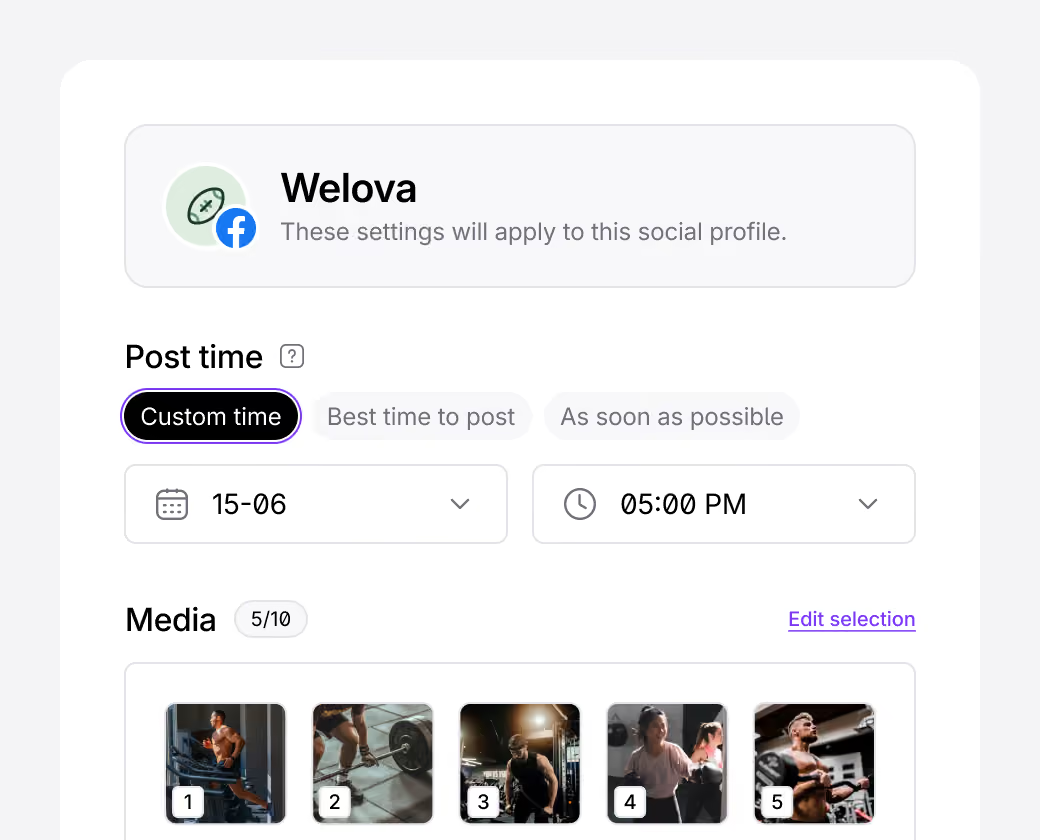
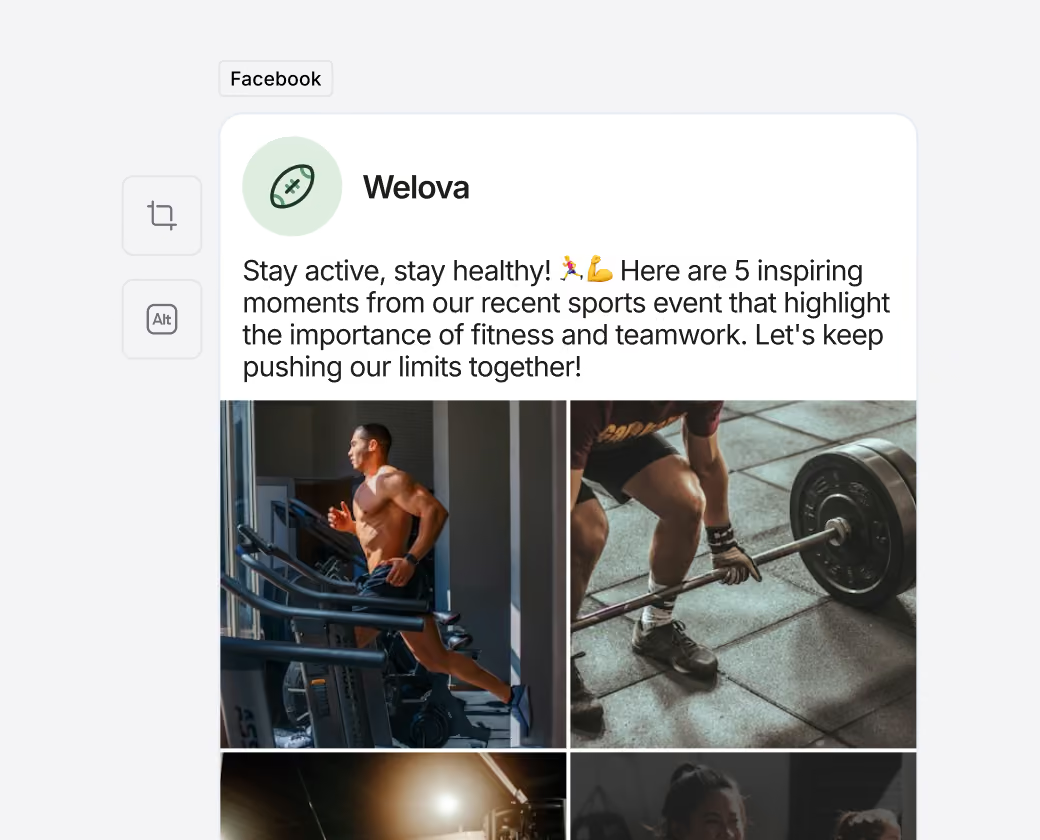
Streamline your Facebook scheduling
Save time by scheduling and publishing your Facebook posts, photos and videos, Reels and Stories with ease using our Facebook scheduler. Utilize optimal posting schedules for increased engagement. Save time with cross-platform posting, from Instagram to X (Twitter)!
“With Iconosquare, I can easily schedule all posts and visualize what they will look like, which is not possible with most competitors.”
Enhance your Facebook performance analysis
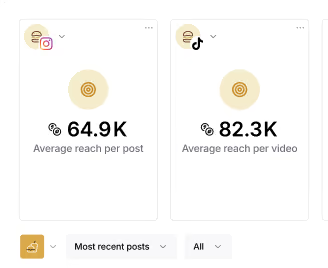
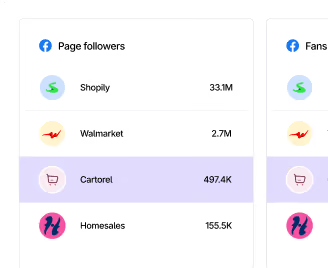
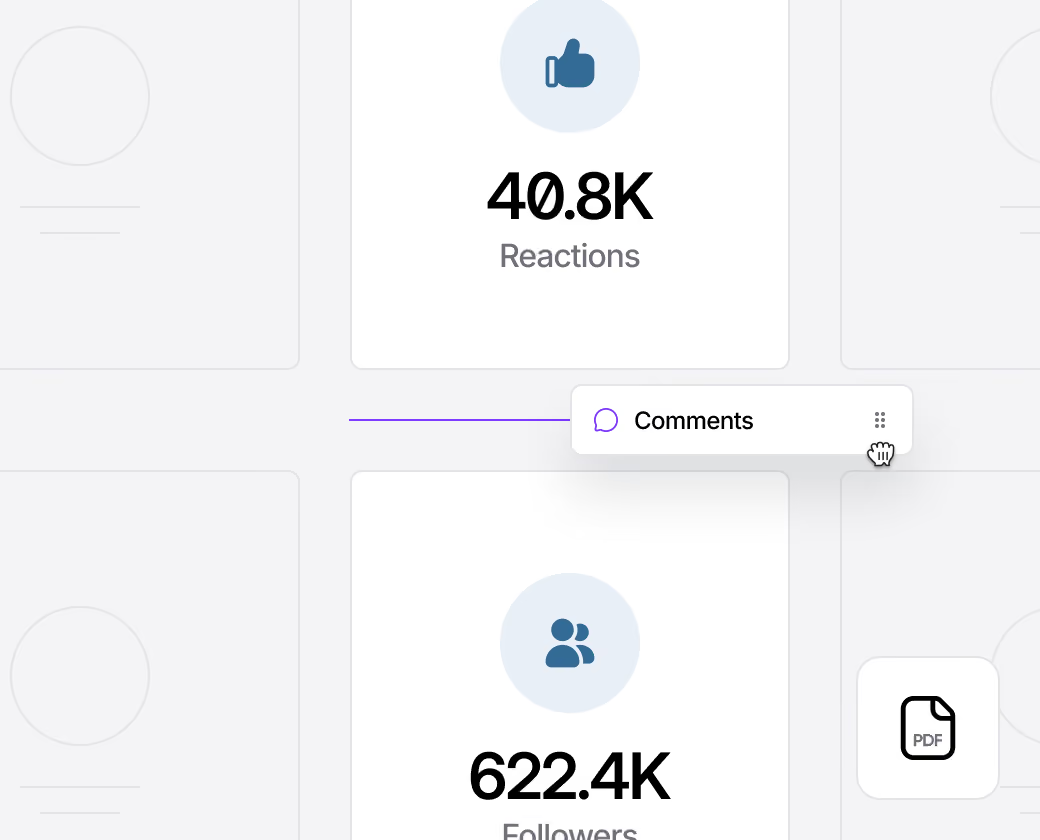
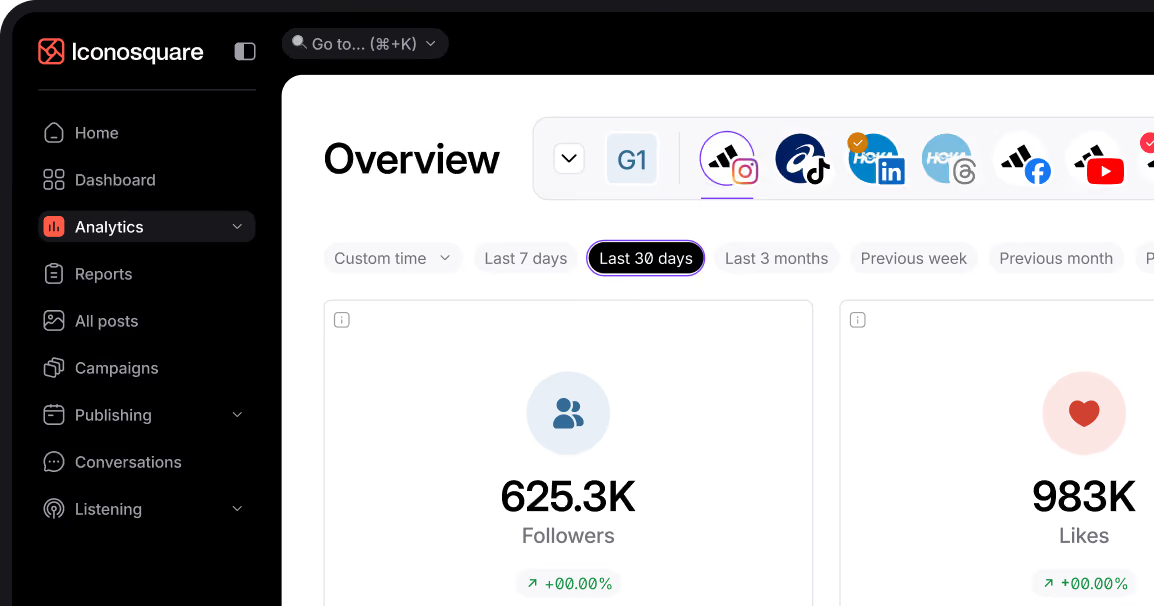
Access detailed Facebook analytics for one or multiple Facebook pages. More than 100 metrics are available to monitor content and campaign success, engagement and reach indicators, page activity, and audience insights. On top of that, compare your Facebook performance with industry benchmarks and competitors.
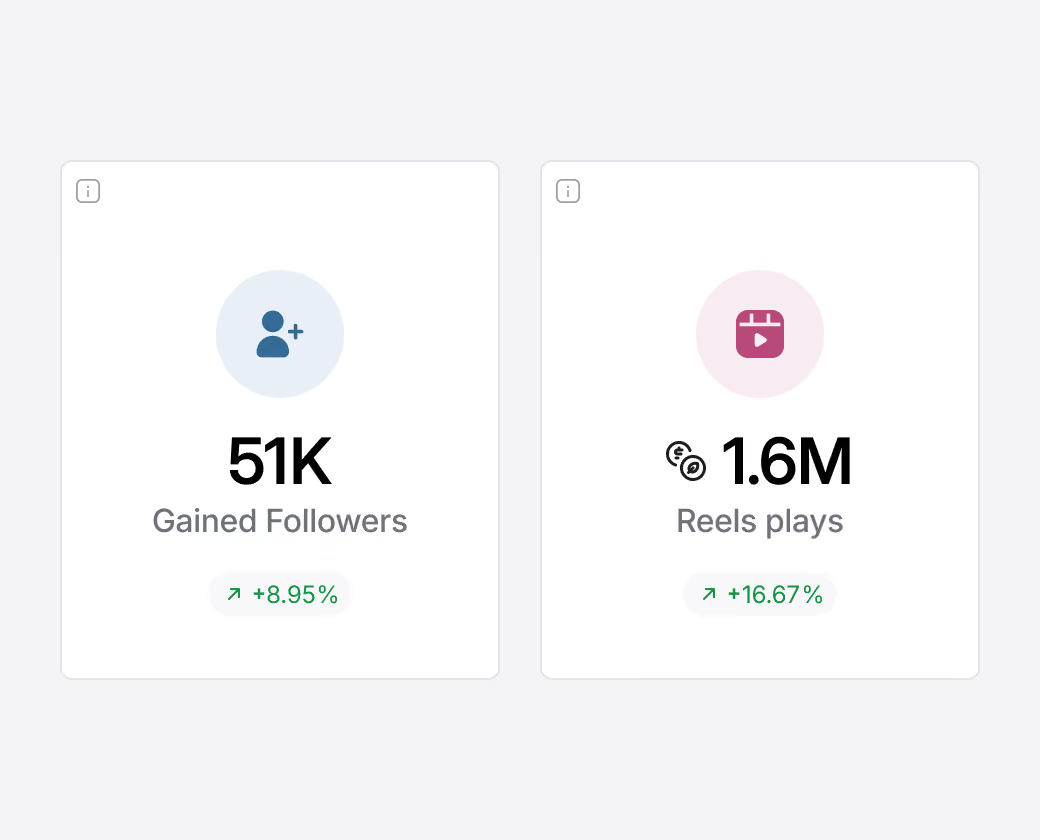
Generate in-depth Facebook reports
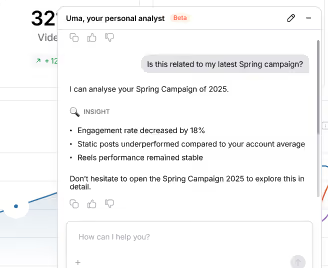
Create automated dashboards or customized Facebook reports focusing on key metrics. Share reports easily via email, schedule deliveries, or export them in PDF or CSV format. Use our white-label feature for branding. To prep faster, ask Uma, your AI social media analyst, what to highlight, or pull your Facebook analytics into Claude, ChatGPT, or Gemini with the Iconosquare MCP.
“I love the analytics on Iconosquare. They are so comprehensive and easy to understand.”
Engage with your Facebook audience
Stay connected with your audience by effectively moderating and managing comments and direct messages.
Collaborate as a team on Facebook
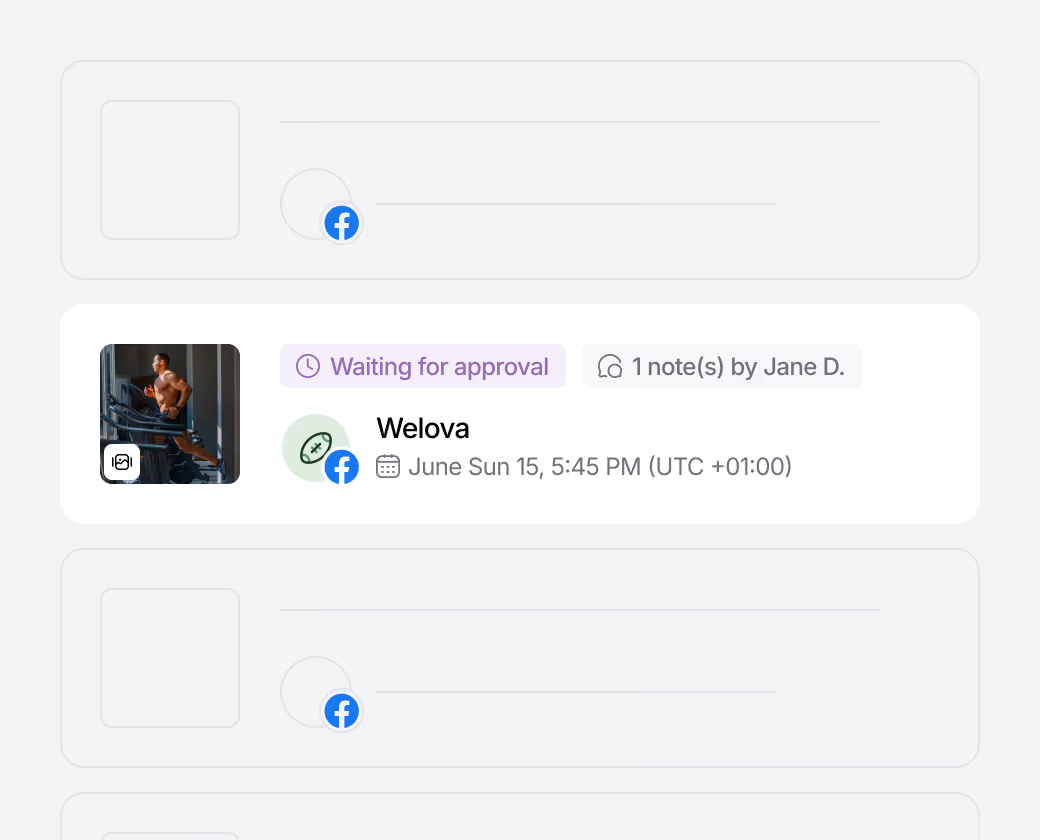
Draft and refine content with your team, ensuring brand consistency, with an efficient approval system. Streamline your workflow with a shareable content calendar, easily accessible through link sharing, along with reports and more. Save your content ideas, whether they've been created by you or our AI tools.
“Our team loves how easy it is to use Iconosquare to provide insight and inform our social strategy.”
Achieve your Facebook goals
With powerful features like Facebook scheduling, Facebook analytics, and customizable Facebook dashboards, you can effortlessly manage your content, engage with your audience, and track your performance on the world's leading social network. In one place, maximize your reach on Facebook.
Frequently Asked Questions
Can you schedule Facebook posts on Iconosquare?
How do I edit a scheduled Facebook post on Iconosquare?
- On the calendar view, find your publication on the day and date you scheduled it.
- Click on the “...” button, then on “Edit”. Here, make all the changes you need.
- Click on the “Schedule post” button to save your changes.
Can you schedule a Facebook Story on Iconosquare?
Can you schedule a Facebook video on Iconosquare?
Can I schedule Facebook Reels on Iconosquare?
How to do Facebook scheduling on Iconosquare?
- To plan and publish content in advance on Facebook, start by clicking on the “Publishing” tab, then select the Calendar View.
- Next, set up your post. Start by choosing the date and posting time. Then, upload your media. We detect the right format you want to schedule between a Facebook status (ideal for link preview), a Facebook image (or multiple ones), a Facebook video, a Facebook Story or a Facebook Reels.
- Now, you can add your, caption, and any other details.
- When you're ready, click on “Schedule post”, “Save as a draft”, or “Save and submit for approval” if you require validation.
%201.svg)

%201.svg)
%201.svg)