




Analyze and schedule your social media from your AI tools
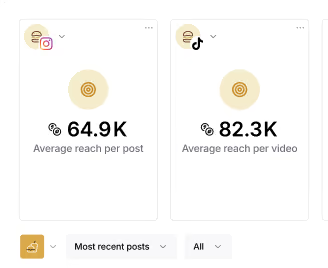
Use ChatGPT, Claude, Gemini, Perplexity, Microsoft Copilot, and any MCP-compatible AI tool to access and analyze your social media performance, answer questions, run audits straight from your Iconosquare data, and create social media posts. No exports, no dashboard digging, no code through Iconosquare MCP.
What you
get with the Iconosquare MCP
Ask and act
Get answers and draft posts in plain language, no reports, no tab-switching.
Works with your AI tool
Claude, ChatGPT, Gemini, Perplexity, Copilot, and more.
Real data, not guesses
Answers come from your actual Iconosquare analytics.
Set up in minutes
Paste a URL, log in, start asking. No coding required.
What is the Iconosquare MCP?
The Iconosquare MCP (Model Context Protocol) connects your Iconosquare analytics directly to the AI tools you already use. MCP is an open standard, a universal adapter that lets any compatible AI assistant read your social media data, and now create posts, when you ask. Here is the link to copy and paste: https://api.iconosquare.com/mcp.
So instead of exporting spreadsheets or copy-pasting metrics, or brainstorming around new content ideas, you connect once and just ask. Your engagement rates, top posts, and audience data are available right inside Claude, ChatGPT, Gemini, Perplexity, Copilot, Grok, Mistral Vibe (formerly Le Chat), and any MCP-compatible tools.
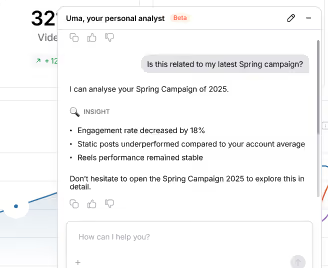
Want AI insights without leaving Iconosquare? Meet UMA, your AI social media analyst.
How to connect
Iconosquare MCP in 3 steps
No developer required. If you can copy and paste a link, you can connect the Iconosquare MCP.
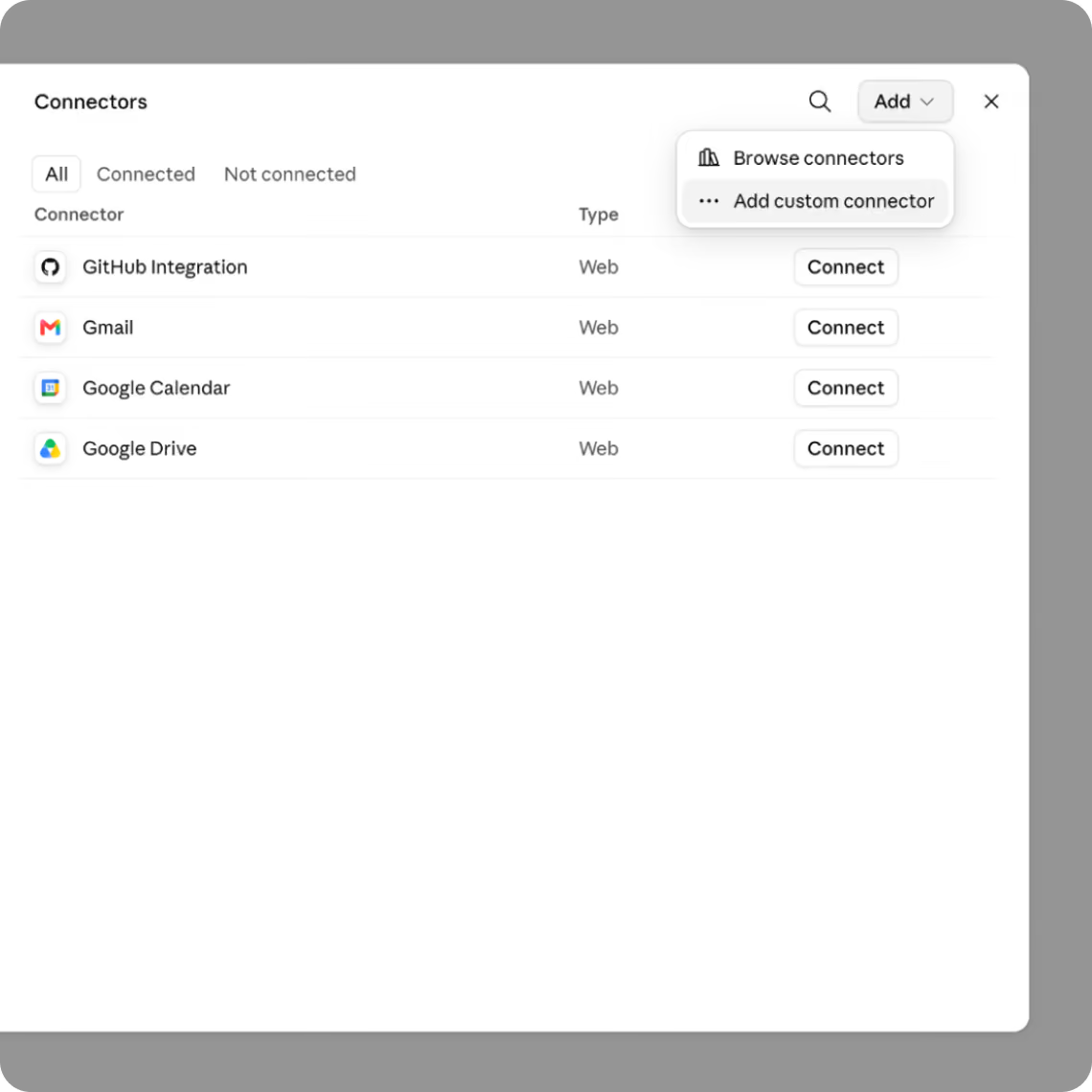
Step 1. Add the Iconosquare custom connector
Wether you’re using Claude or ChatGPT, for example, you’ll need to add a custom connector to Iconosquare. On ChatGPT, you’ll have to enable Developer Mode in your settings.
Step 2. Add it to your AI tool
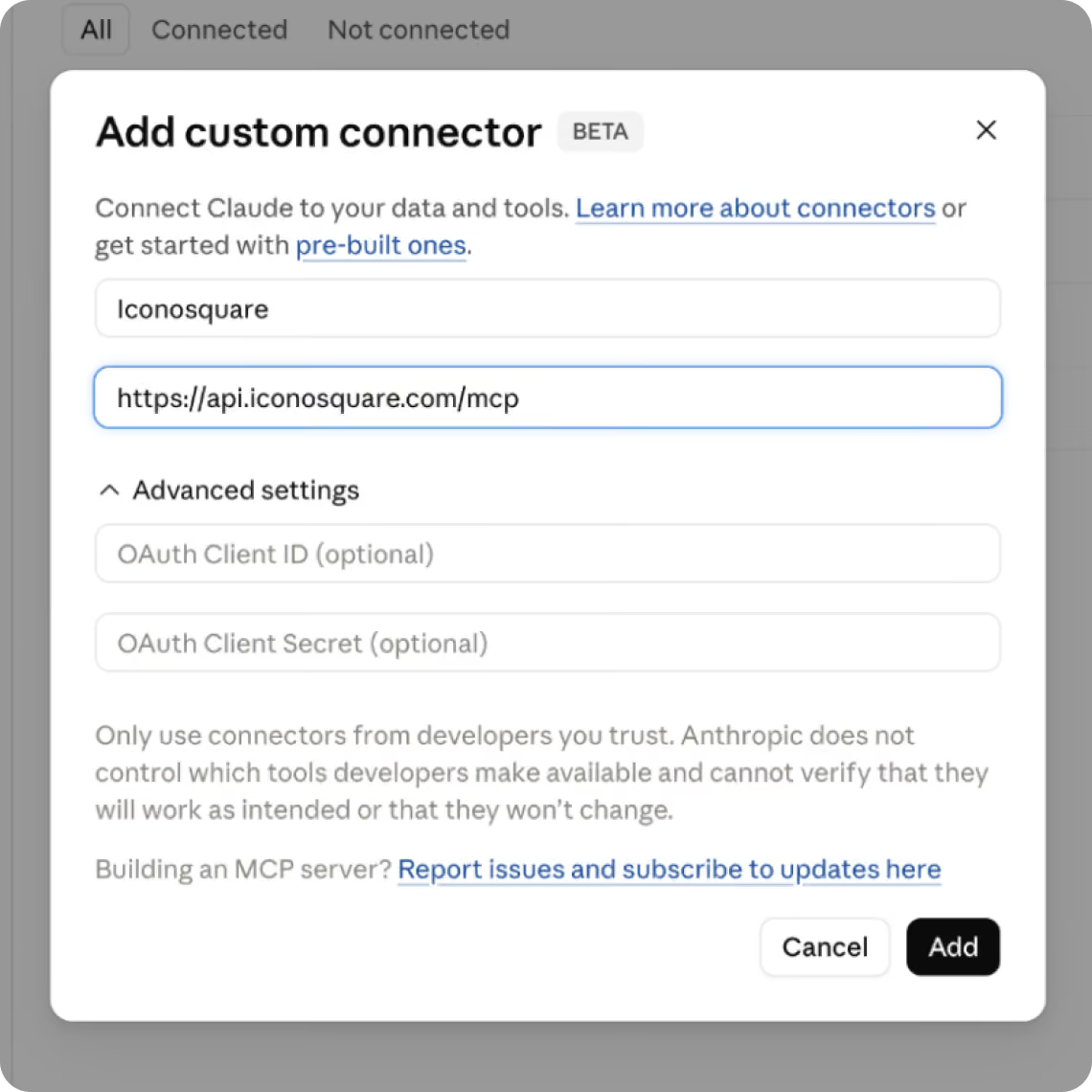
Paste the MCP server URL (https://api.iconosquare.com/mcp) into your AI assistant's connector settings, ChatGPT, Claude, Gemini, Copilot, or any MCP-compatible tool.
Step 3. Log in with your Iconosquare account
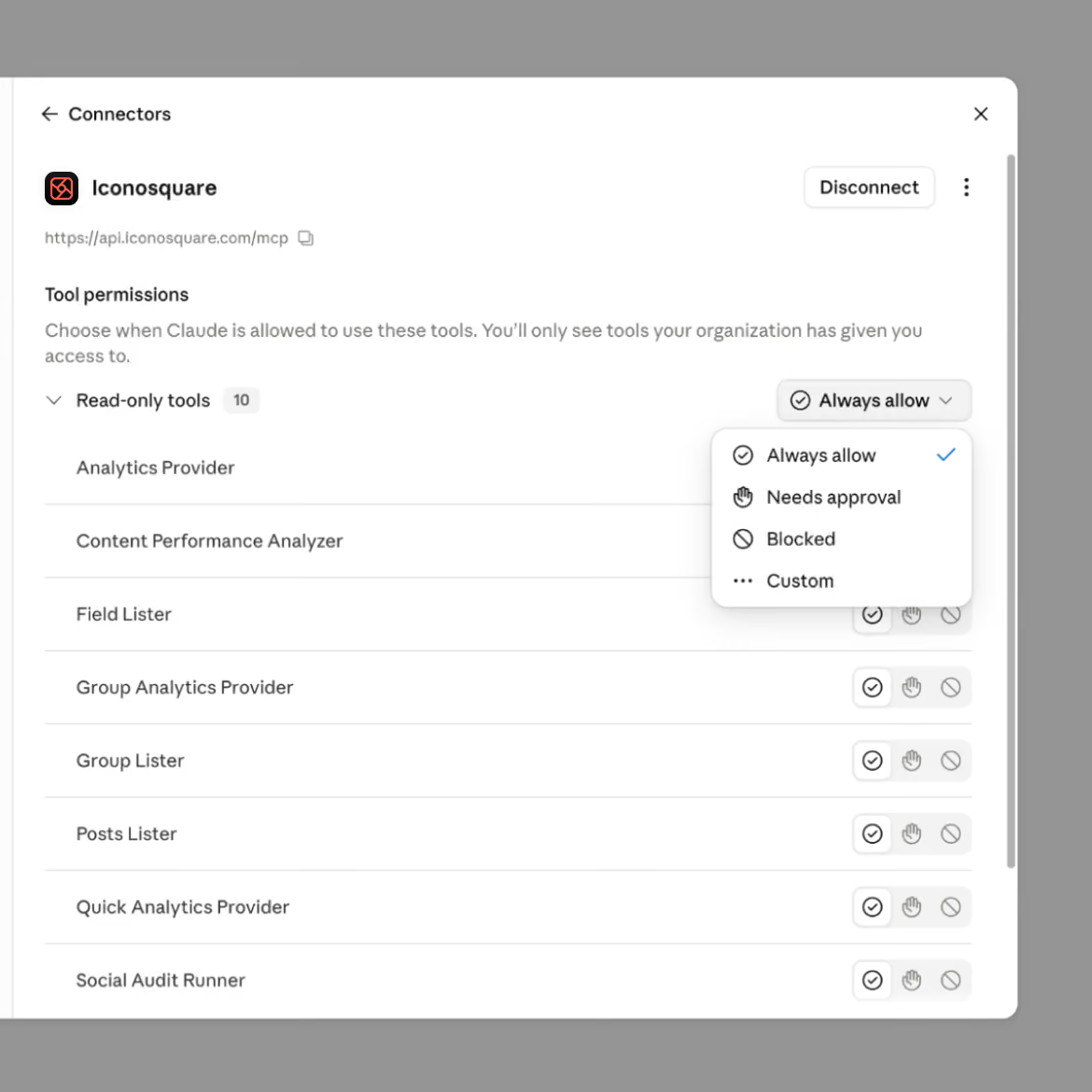
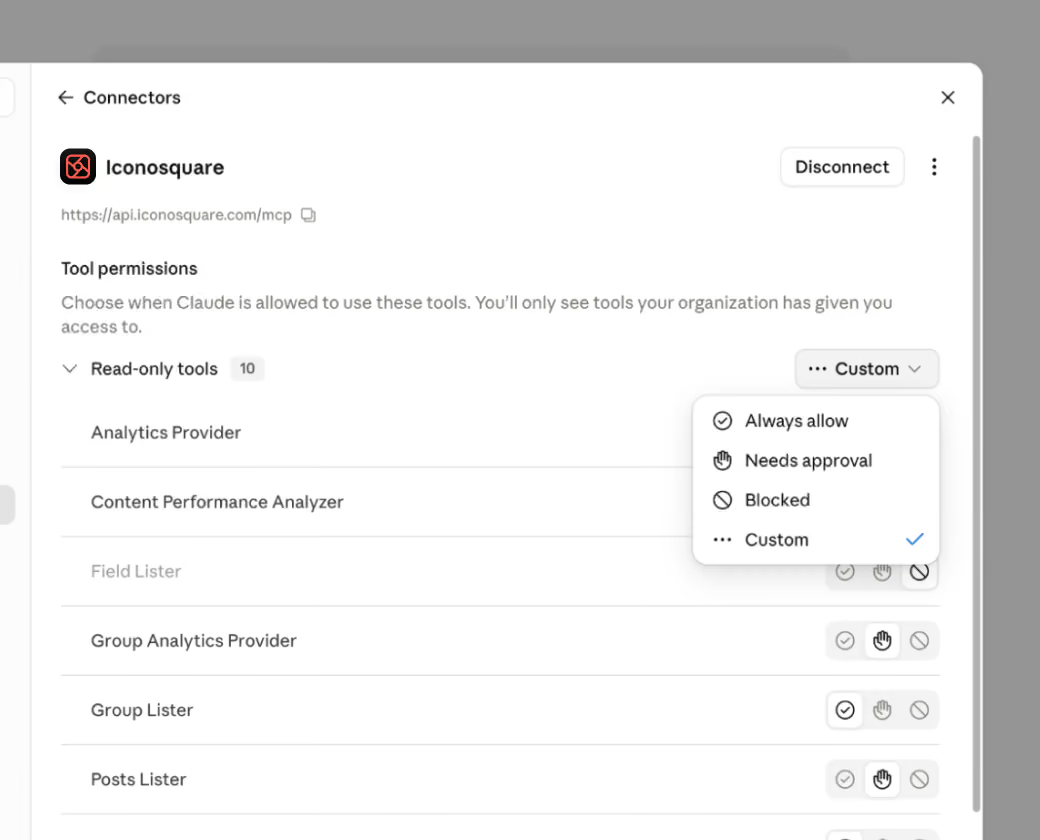
Authenticate securely via your Iconosquare login and start asking questions. Your AI tool only sees what you can see. Access is permission-based and you stay in control.
Turn your social media
analytics into conversations
For brand & in-house social media managers
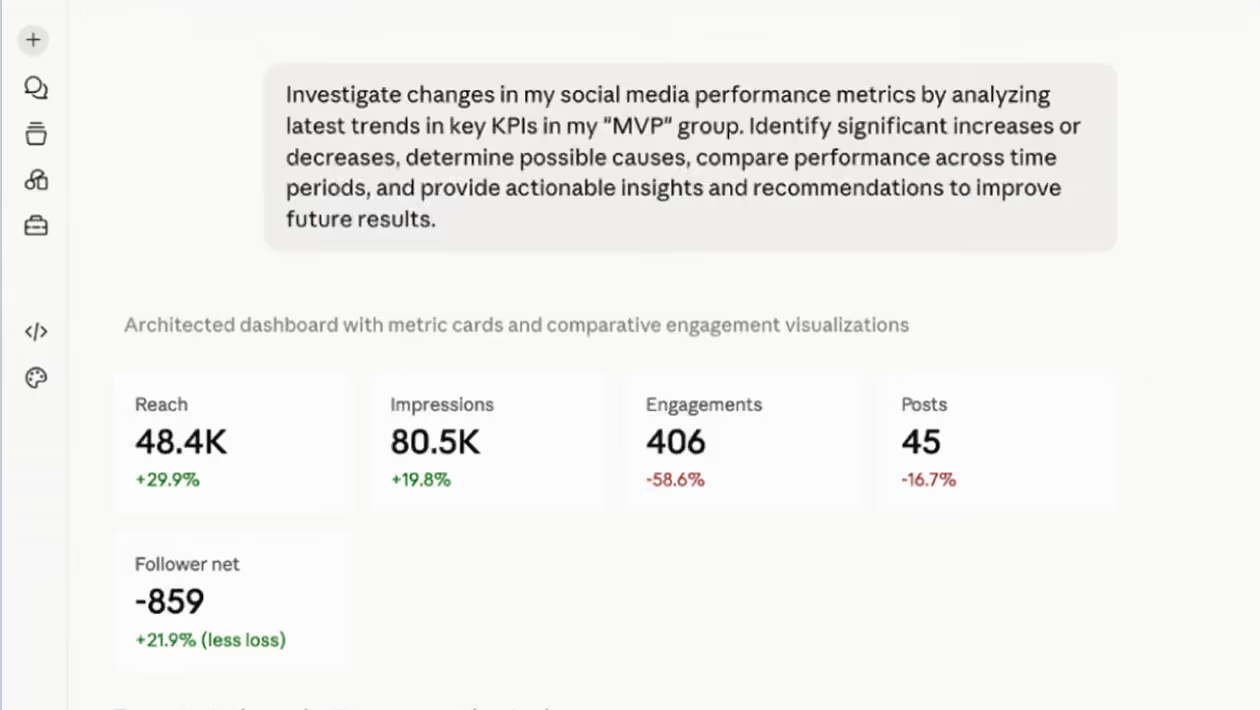
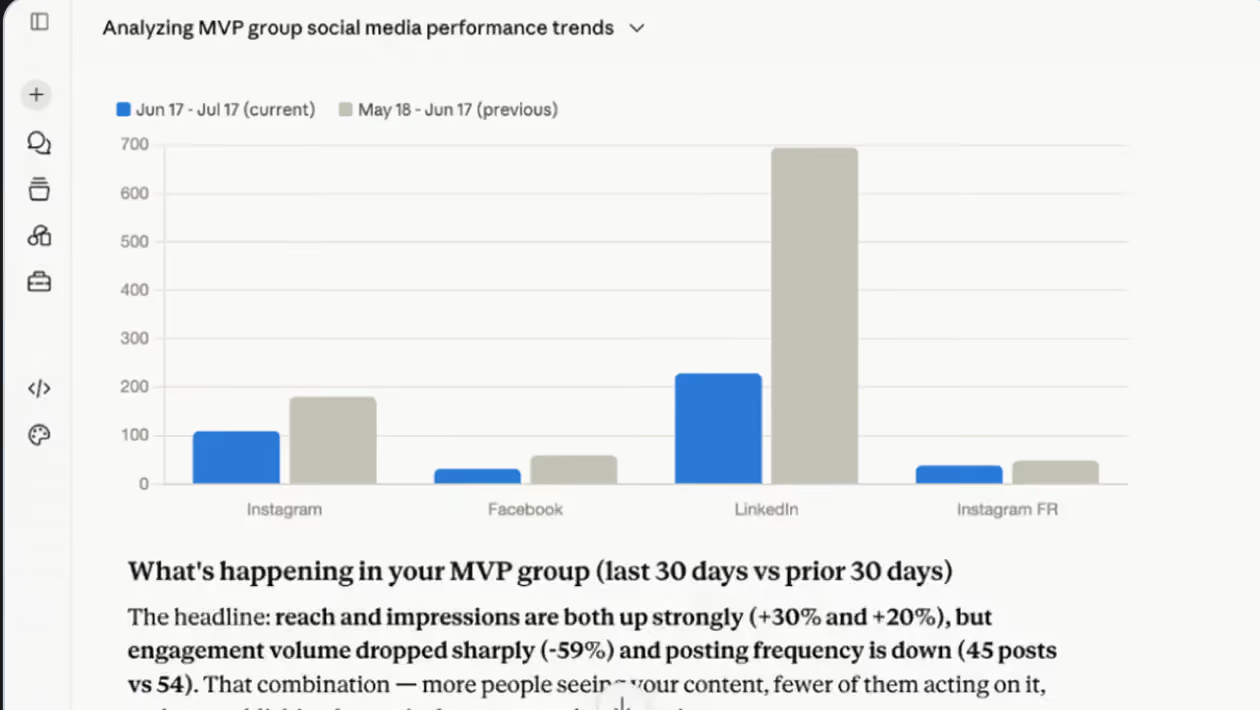
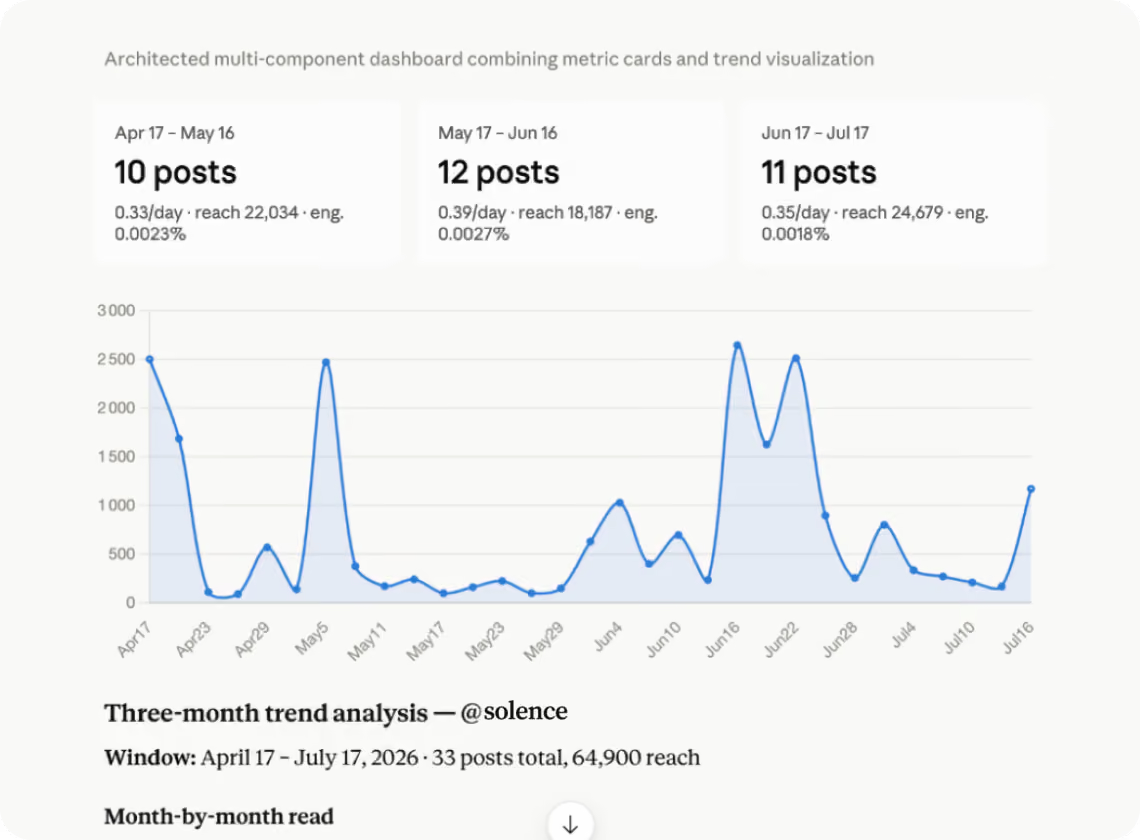
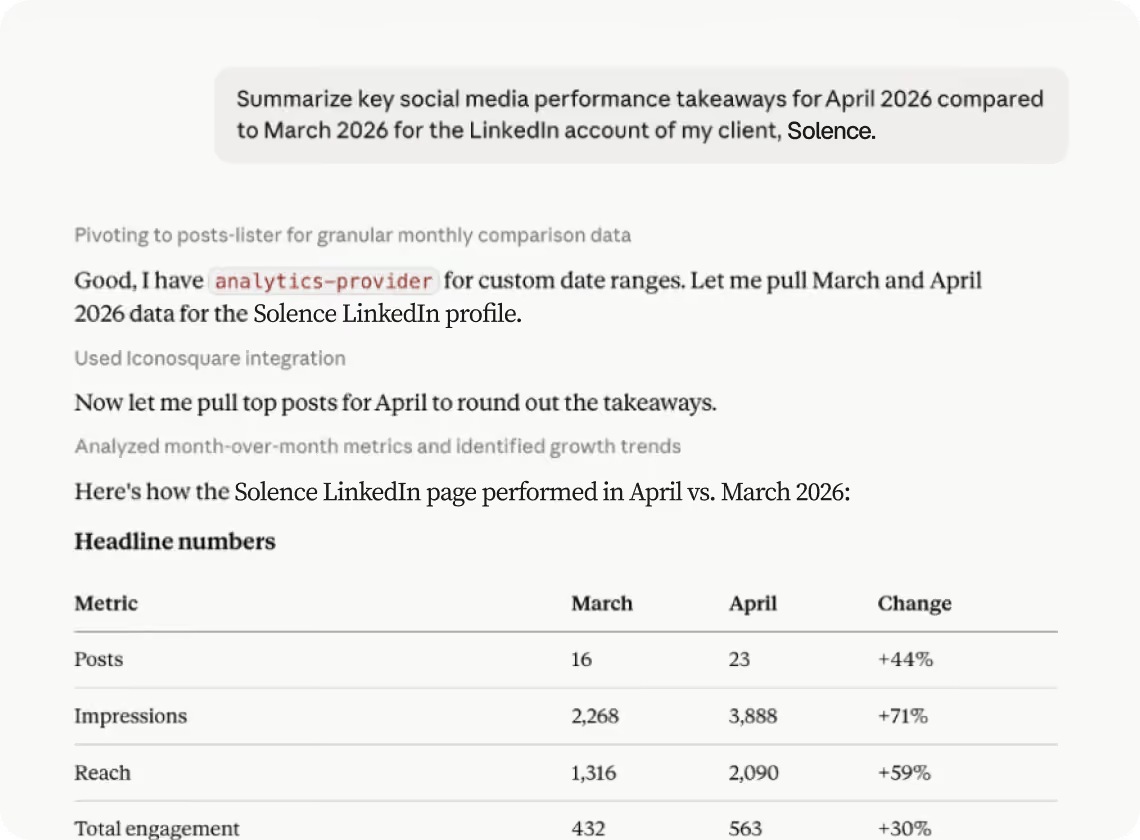
Connect Iconosquare to your preferred AI tool and ask questions about your performance. Get answers, summaries, and insights for your performance reviews and reports directly from your analytics data, without digging through dashboards.
- Preparing monthly or quarterly performance reviews
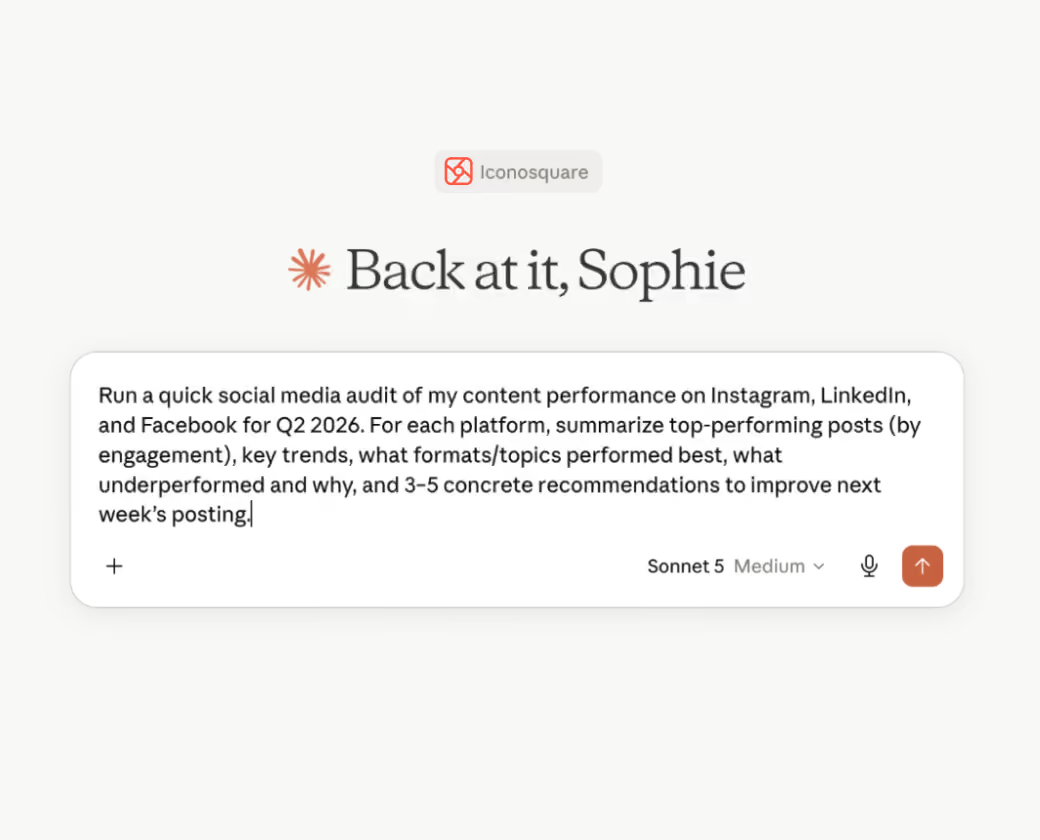
- Conducting a social media audit
- Answering stakeholder questions on demand
- Understanding content and campaign performance
- Identifying trends and top-performing content
- Creating executive summaries from analytics data
For agency social media managers
Use AI to explore client performance data, uncover trends, and answer reporting questions instantly. The Iconosquare MCP connects your analytics to AI tools so digital and social media agencies spend less time gathering data and more time delivering value.
- Creating client performance summaries
- Providing clients with a social media audit*
- Preparing for client review meetings
- Investigating changes in performance metrics
- Responding to ad hoc client questions quickly
Take your conversations
from insight to scheduled post
Create and schedule posts from your AI tool
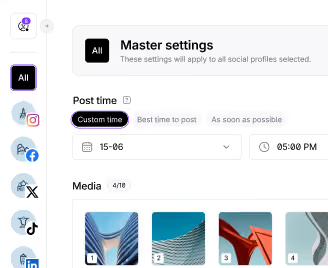
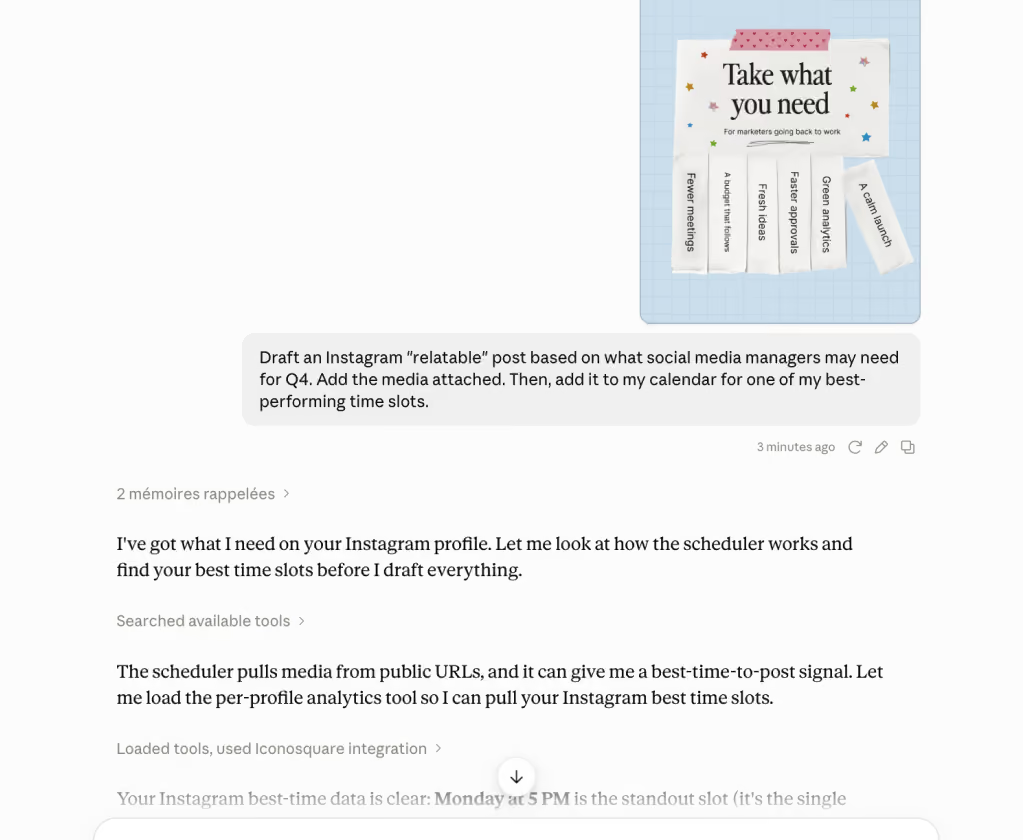
The Iconosquare MCP does more than answer questions. Ask your AI tool to create a post and it lands as a draft in your Iconosquare scheduling calendar, ready for you to review, tweak, and finalize. Draft a caption in Claude or line up next week's content in ChatGPT, then confirm the schedule inside Iconosquare before it goes live. You stay in full control of what gets published, and when.
Prompts to get you started
Performance & engagement
"Tell me which social profile had the highest engagement rate last month."
"Summarize my Facebook performance in a few bullet points."
"Compare my Instagram and TikTok engagement over the last 90 days."
Top content
"Tell me which were my top-performing LinkedIn posts this quarter."
"What type of content drove the most reach last month?"
"Draft three post ideas based on my top-performing content last month."
Audits & reviews
"Provide me with an audit of my Instagram account."
"Build me a monthly performance summary I can send to a stakeholder."
Trends & growth
"How has my follower growth changed over the past 6 months?"
"Spot any trends in my best-performing posting times."
"Draft a post for one of my best-performing time slots and add it to my calendar."
Ready to try it? Copy your Iconosquare MCP URL (https://api.iconosquare.com/mcp) and paste it into your AI tool.
Works with the AI tools
you already use
The Iconosquare MCP follows the open Model Context Protocol standard, so it connects to any MCP-compatible AI assistant, including ChatGPT, Claude, Gemini, Copilot, Perplexity, Grok, Mistral Vibe, and more.
Your data stays secure
Connecting the Iconosquare MCP uses your own account authentication. AI tools can read the analytics you already have access to, and create draft posts in your calendar, nothing more. Nothing is published automatically, you finalize and schedule every post inside Iconosquare.
Frequently Asked Questions
Which AI tools work with the Iconosquare MCP?
Any MCP-compatible assistant, including Claude, ChatGPT, Google Gemini, Microsoft Copilot, Perplexity, Grok, and Mistral Vibe.
Which social networks does it support?
The Iconosquare MCP works across all networks supported in your Iconosquare account: Instagram, Facebook, TikTok, LinkedIn, Pinterest, Threads, YouTube, and X.
What data can AI assistants access?
Through the Iconosquare MCP, AI assistants can access the analytics and media for the social profiles and groups connected to your account.
What kind of questions can I ask?
Anything about your social media performance: engagement rates, top posts, audience growth, account audits, performance summaries, and trends across your connected profiles.
Does the MCP work across multiple profiles and brands?
Yes, it pulls data for all social profiles connected to your Iconosquare account, so it suits agencies and multi-location brands managing many accounts.
Do I need coding skills to use the Iconosquare MCP?
No. You copy the MCP URL (https://api.iconosquare.com/mcp), paste it into your AI tool's connector settings, and log in. The whole setup takes a few minutes.
Can I publish content through Iconosquare MCP?
Yes! You can create and schedule posts through Iconosquare MCP. Posts created through your AI tool will appear as drafts in your Iconosquare scheduling calendar, where you can review and finalize the scheduling process. For now, the final step must be completed from within Iconosquare before your content is published.
Which Iconosquare plan do I need to use the MCP?
You can start using Iconosquare’s MCP right away with your 14-day free trial. It’s then available on all our paid plans: Starter, Launch, Scale, and Custom. It’s not available on the free plan.
Is my data secure?
Yes. Connection is authenticated through your Iconosquare login, and your AI tool can only access the data you already have permission to see. You can revoke access at any time from your settings.
%201.svg)

%201.svg)
%201.svg)