




Schedule Instagram posts and analyze every result in one place
Iconosquare is the all-in-one Instagram management tool that lets you schedule Instagram posts, Reels, carousels, and Stories from one visual calendar. Analyze performance, build reports, engage with comments and DMs, and track hashtags, all from the same dashboard your team already loves.
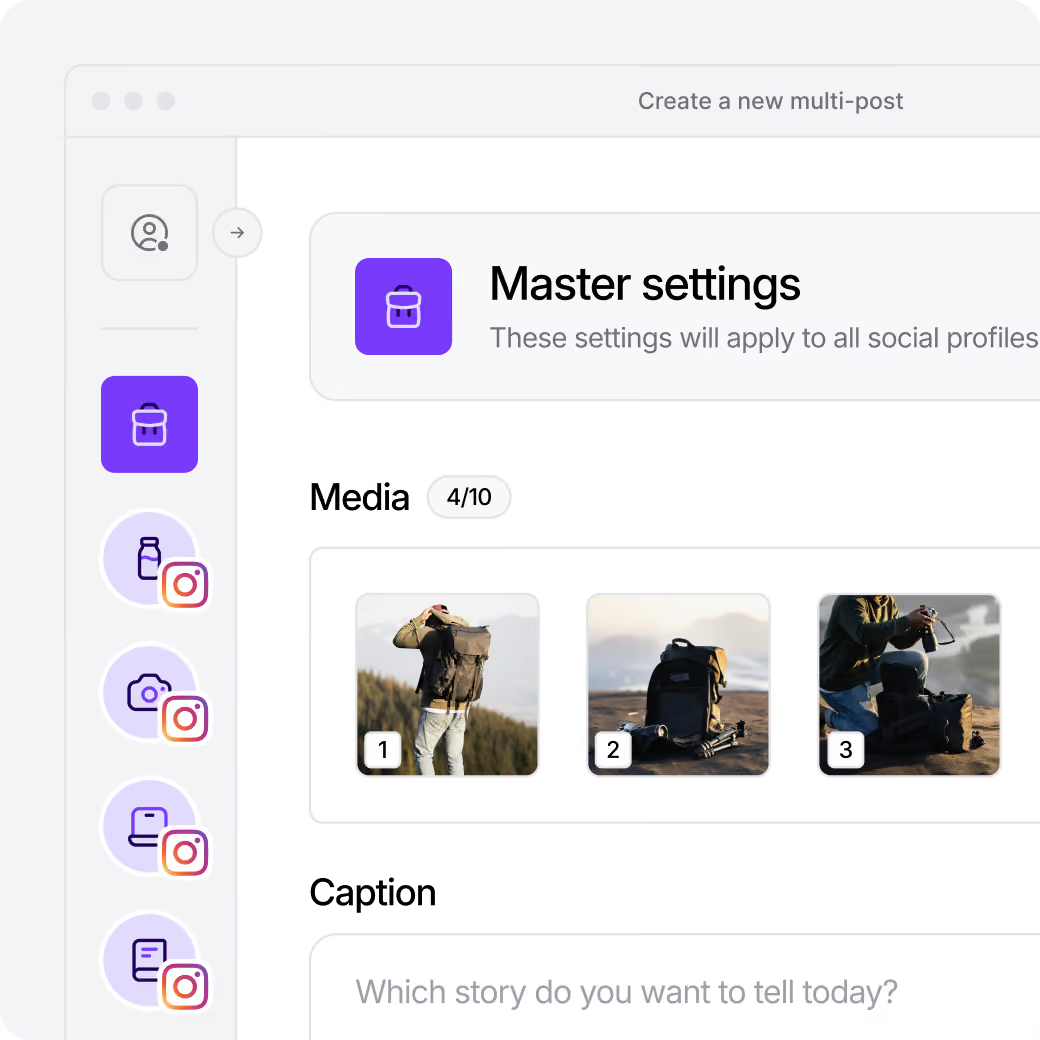







Plan your Instagram content
Schedule posts effortlessly with our intuitive planner.

Know your best time to post on Instagram
Unlock optimal posting times for maximum reach.

Access 100+ Instagram analytics
Track performance metrics in real-time and analyze with AI.

Boost your Instagram engagement
Drive interactions and grow your audience with smart tools.
Master Instagram content creation with ease
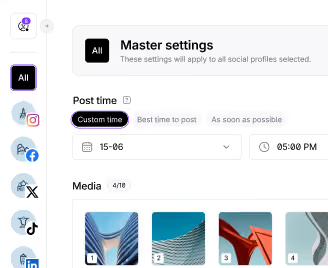
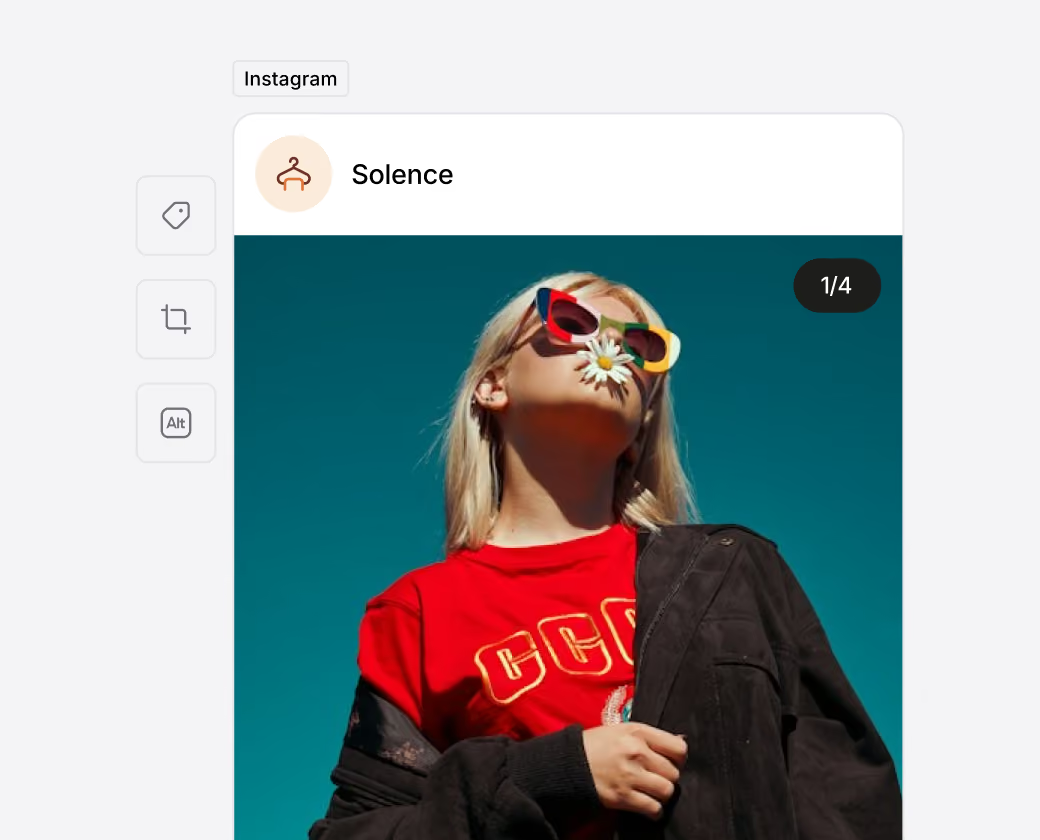
Effortlessly create and manage your Instagram posts using our intuitive and shareable content calendar. Enhance your reach by adding users, locations, emojis, and your hashtags. Edit images for a perfect fit and keep all your media organized. Stay inspired with AI tools like our Instagram Caption Generator and thousands of special days and holidays with our social media calendar for 2026.
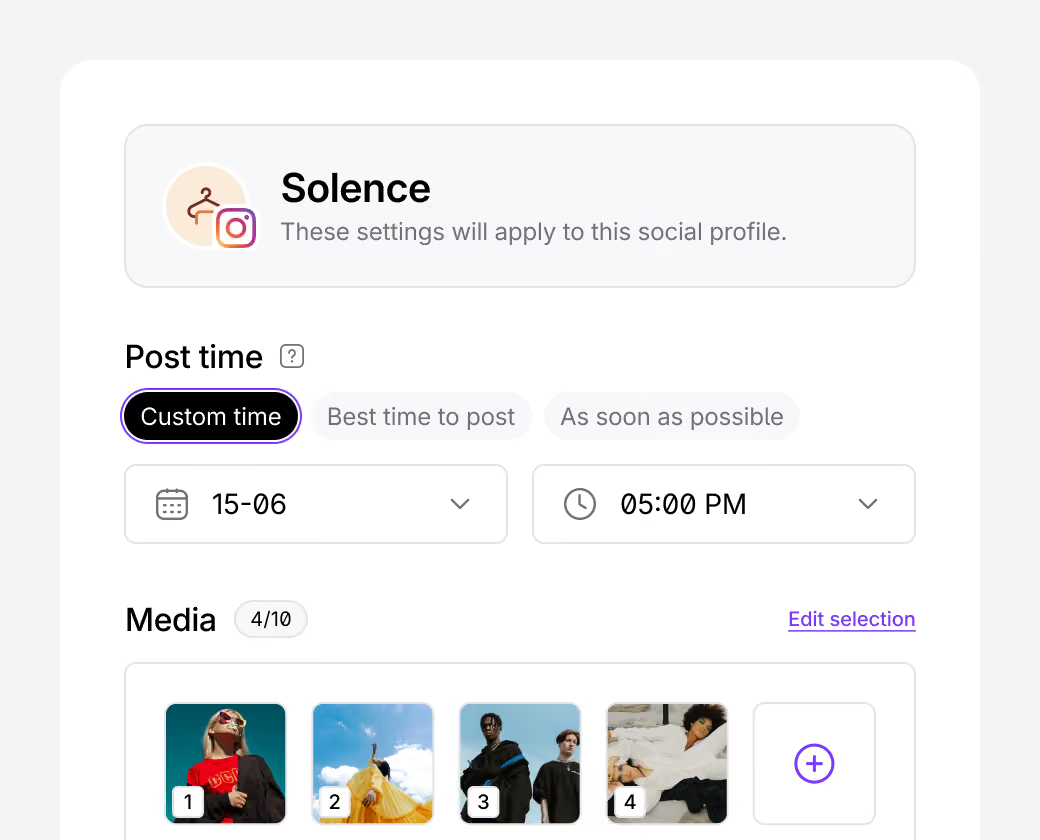
Save time with our Instagram scheduling tools
Easily organize your posts by visualizing your Instagram feed with our grid preview. Plan and schedule everything from carousel posts to Reels and Stories with our Instagram scheduler. Save time with seamless approval workflow, auto-publishing, and cross-posting to other social media platforms.
“After using Hootsuite, Buffer, Metricool, and many others, I can say that Iconosquare is the best tool for Instagram.”
Analyze your Instagram performance
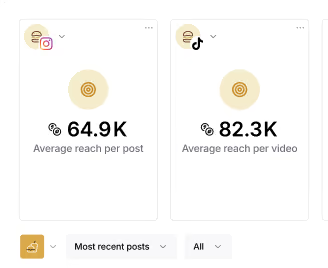
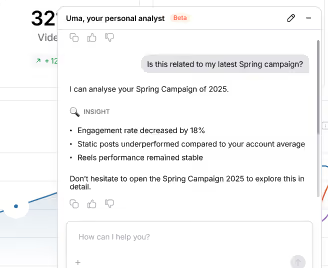
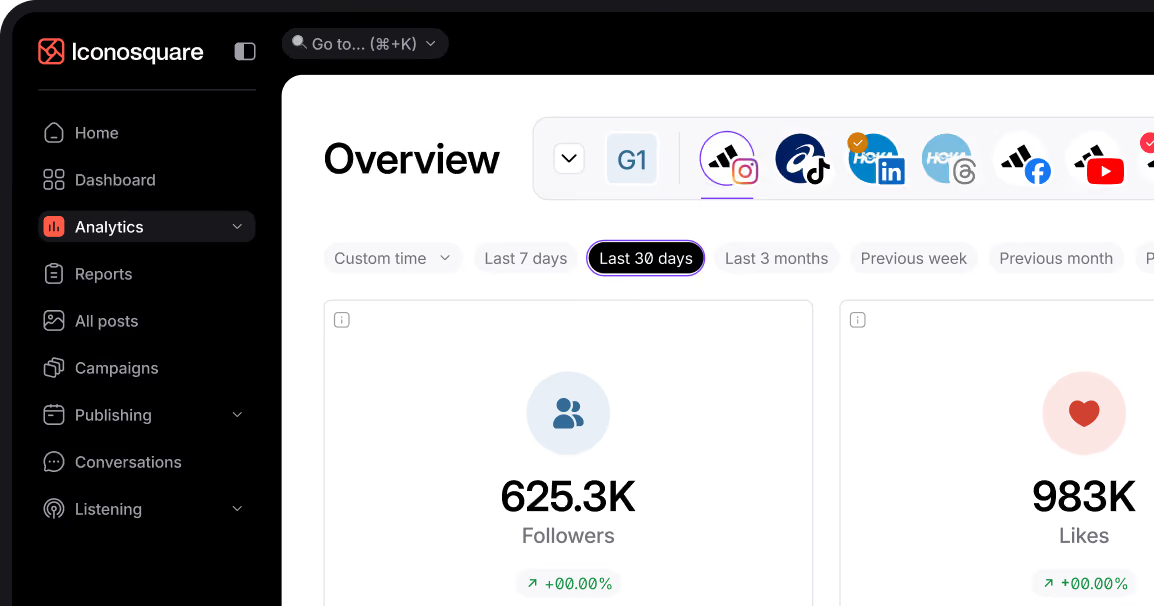
Access advanced Instagram analytics and track 100+ KPIs on one or multiple Instagram accounts at a time. Once you've scheduled your posts, keep an eye on what your audience likes the most. Monitor content and campaigns performance, engagement metrics, profile activity, and audience insights. With AI Analytics, find out what works and what doesn't, and why. Boost your engagement with our best times to post on Instagram feature.
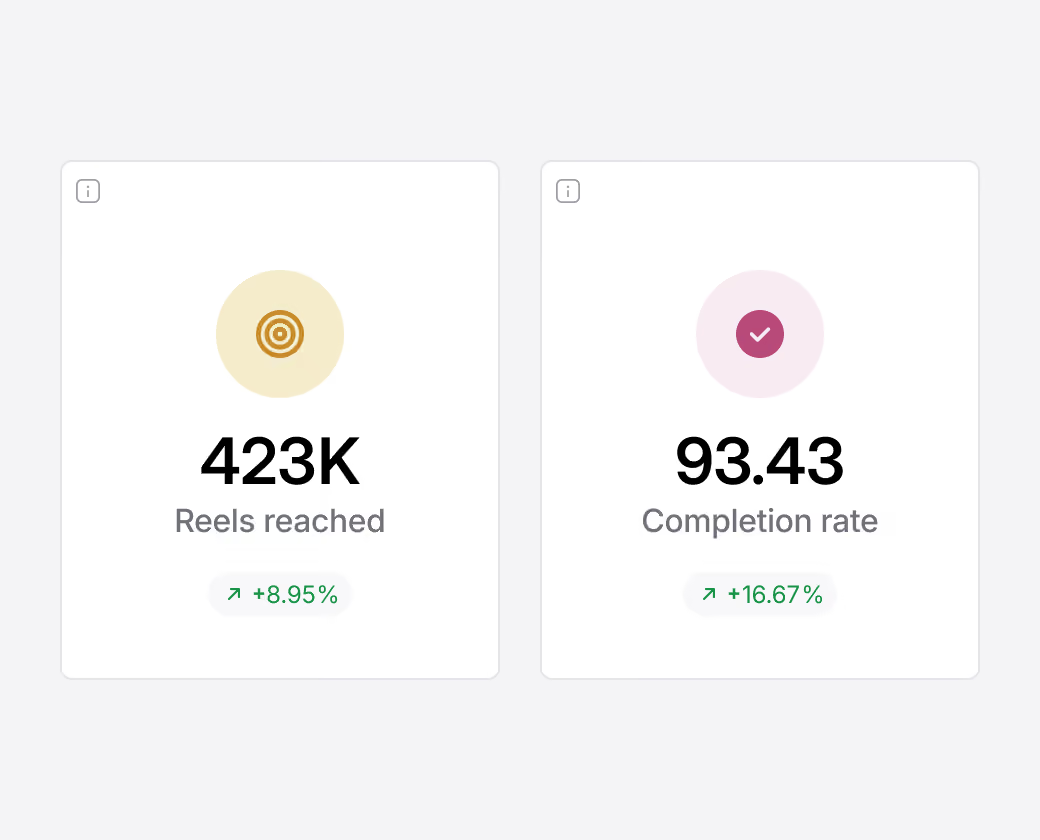
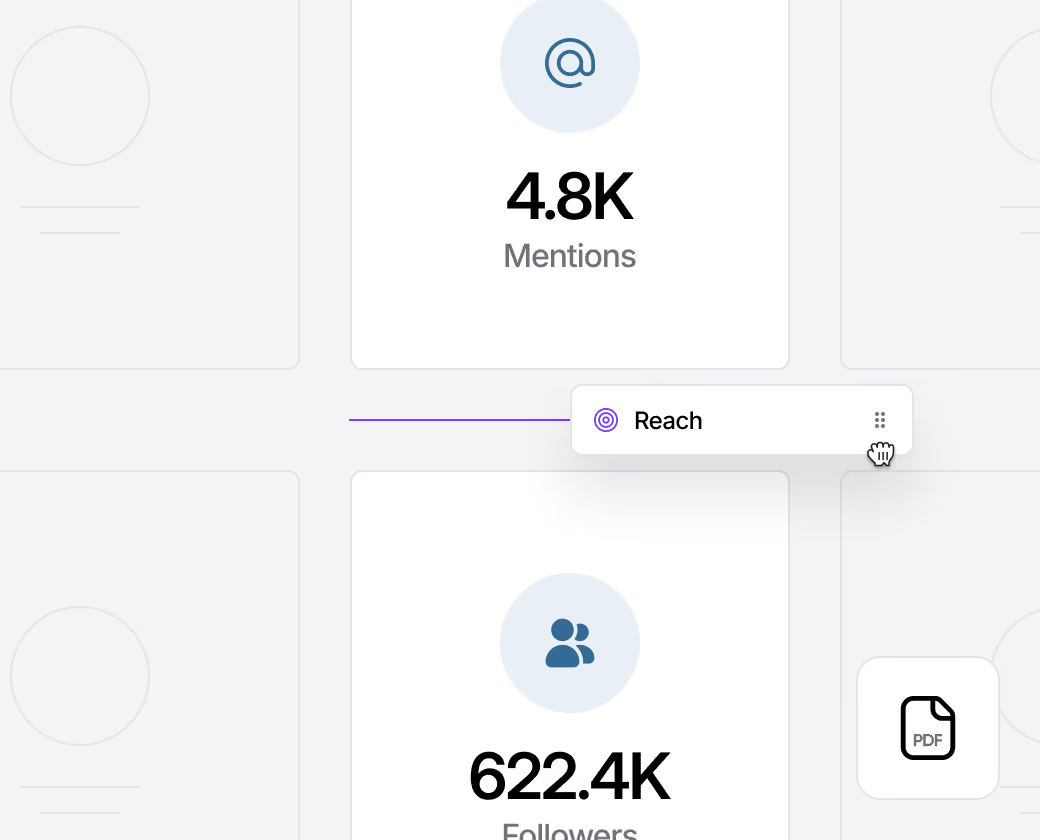
Report on your #1 Instagram metrics
Set up custom Instagram dashboards with the metrics that matter to your business, then export your dashboard in PDF or CSV format for a tailored report of your Instagram performance. The Iconosquare MCP pulls your Instagram analytics into Claude, ChatGPT, or Gemini so you can ask what to highlight and draft your report in minutes. Easily share your presentation-ready reports by emailing them or scheduling deliveries. Add your logo with our white-label feature.
“Iconosquare is the best way to track analytics for Instagram. I love how detailed the analytics are. It makes it so easy to find all of the information we need to keep track of how our page is performing.”
Watch what your competition is doing on Instagram
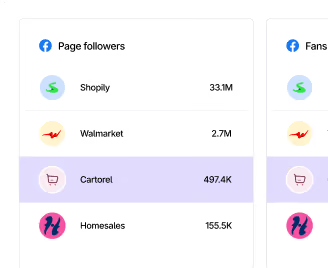
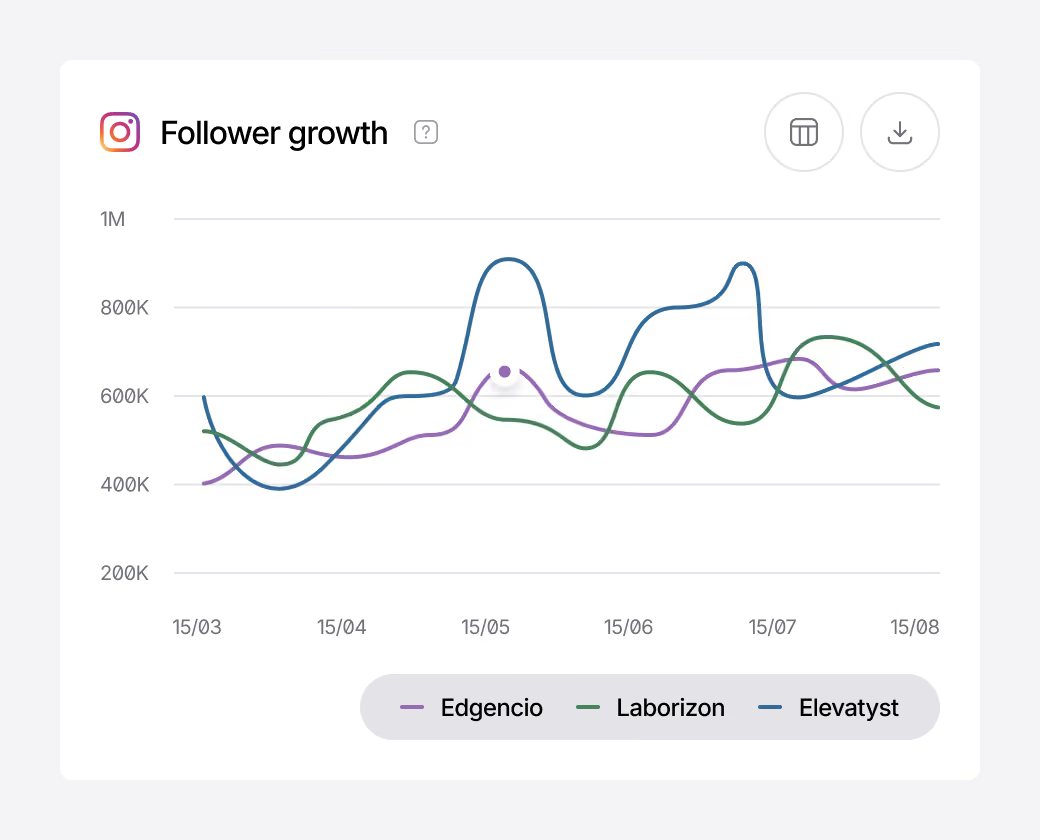
Compare your Instagram performance against your industry and your competitors by tracking hashtags and leveraging data such as follower growth, posting habits and engagement metrics. Create custom feeds to see relevant posts and turn insights into action.
Engage and connect with your Instagram audience
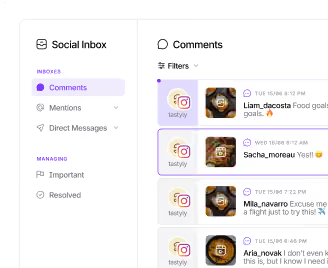
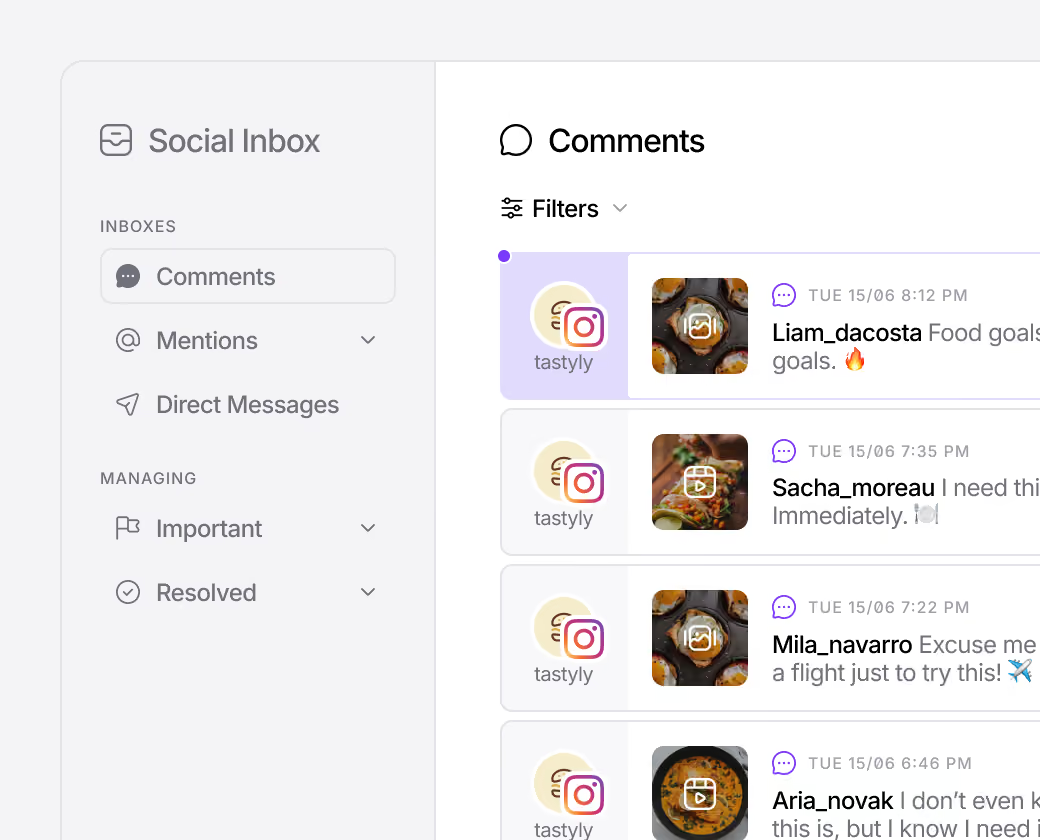
Ensure you never miss a conversation, organic or paid. Get notified when you receive an Instagram Direct Message, a comment or a mention of your brand. Connect with your audience by automating your first comment. Simplify your Instagram contest giveaway process with our Instagram Giveaway Picker tool.
“I love how Iconosquare helps us on provide comprehensive data for my Instagram brand: engagement data, followers growth, best time to post, posting habits, provide post scheduler, industry benchmark..."
Unlock your Instagram potential
Ready to supercharge your Instagram strategy? With Iconosquare, your all-in-one social media management tool, you can effortlessly create, schedule, and analyze your Instagram content like never before. Engage your audience, streamline collaboration with your team or clients, and watch your social presence soar.
Frequently Asked Questions
Can you schedule Instagram posts on Iconosquare?
Can you schedule Instagram Reels on Iconosquare?
Can you schedule Instagram carousel posts on Iconosquare?
Can you schedule Instagram Stories on Iconosquare?
How to schedule Instagram posts on Iconosquare?
- To plan your Instagram posts in advance, once you've clicked on the “Publishing” tab, go to the Calendar view. Click on “Schedule a new post”. You can also do it from the homepage.
- Next, choose the desired date and post time.
- Then, add your media. We automatically detect the type of post, but you can change it. Depending on the format chosen, several fields are available. For a classic post or a Reel, you'll be able to add your caption, schedule the first comment, add collaborators to the publication, and so on.
- When you're ready, click on “Schedule post” to go live, “Save and submit for approval” if you need validation, “Save as a draft” or “Create a reminder” if you want to publish manually.
%201.svg)

%201.svg)
%201.svg)