



What’s new at Iconosquare
Discover the latest Iconosquare product updates, new features, and improvements built for social media managers, agencies, and multi-brand teams.
Schedule Your Instagram Stories for Automatic Posting

Schedule Your TikTok Posts From Iconosquare

Dashboard Customization & Advanced Formatting for Tailor-Made Reporting
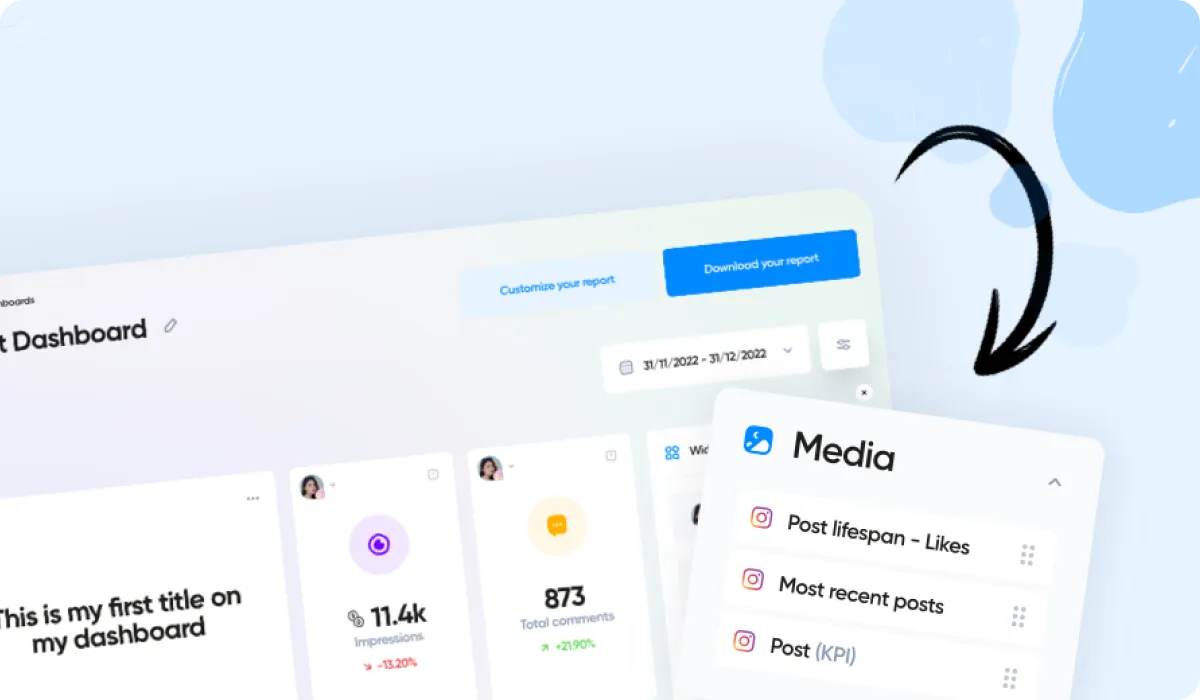
Organize Your Posts Using Labels and Albums – Now Available for TikTok, Twitter and LinkedIn

Easily categorize your published posts using Labels, now available under Content → Posts.
Set up Albums in order to group your posts together based on topic, format, theme or campaign, then analyze the performance of those posts as a whole.
Opt for a Manual Album if you want to hand-pick the posts in your album. Or set up an Automatic Album, and we'll populate it for you using the criteria you set (such as date range, or label used).
AI Caption Generator
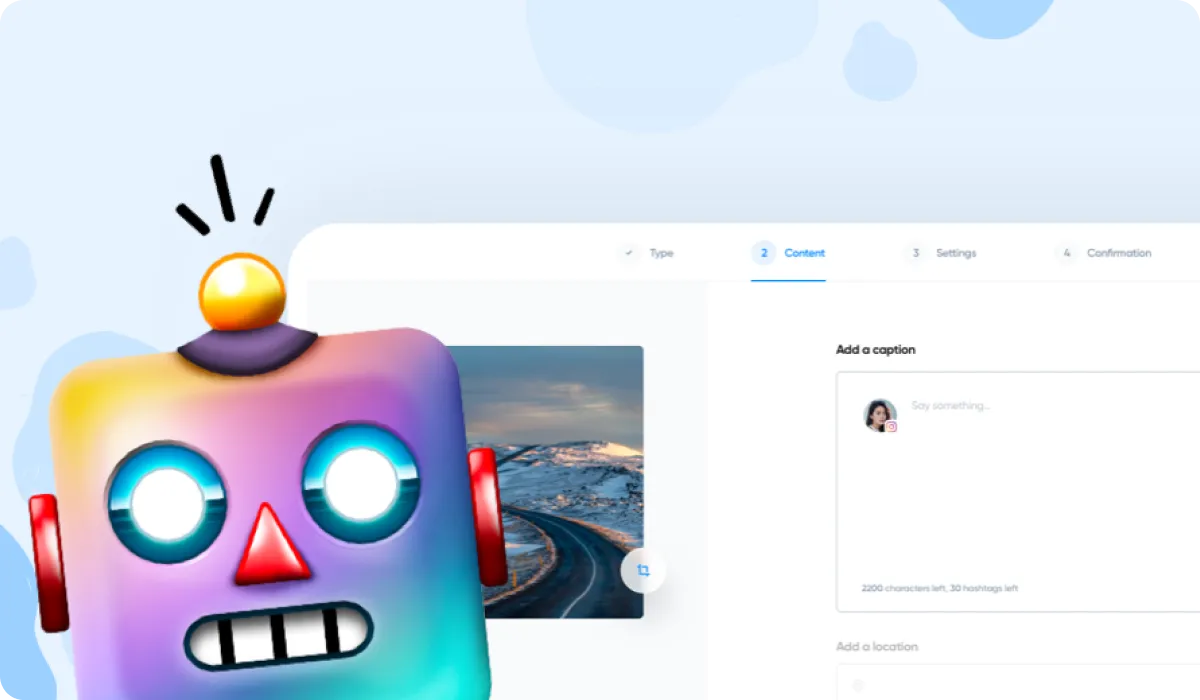
Inspire your caption writing with the help of AI Captions, now available in beta.
Tell us the subject of your post, your brand name, and your industry, and we'll generate a selection of engaging captions in the language of your choice. Choose the caption you like the most, then add it to your post in one click.
You'll find the AI Captions button when scheduling a post, just above the caption field.
%201.svg)

%201.svg)
%201.svg)